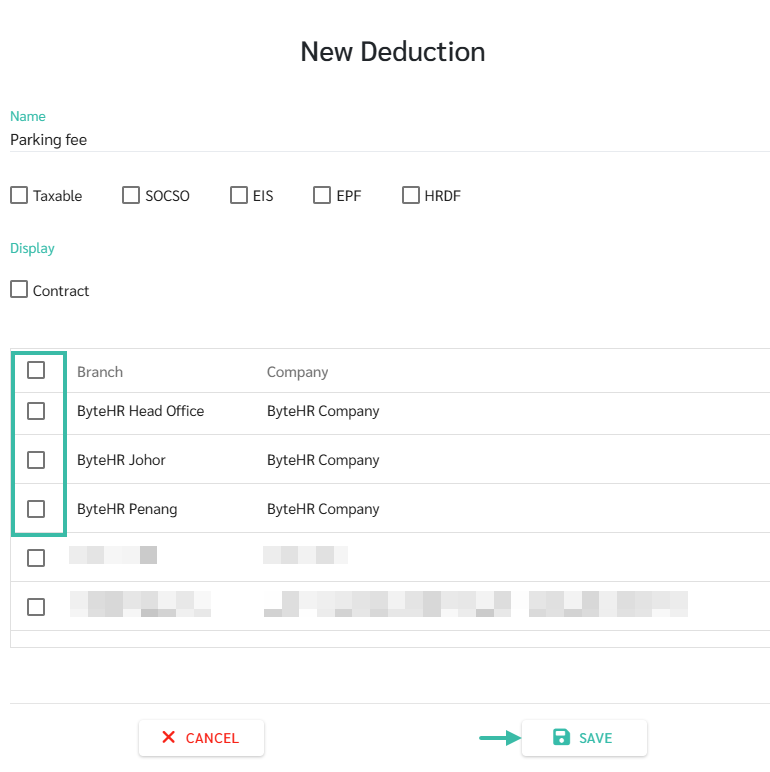
To Add a Deduction Type, follow these steps:
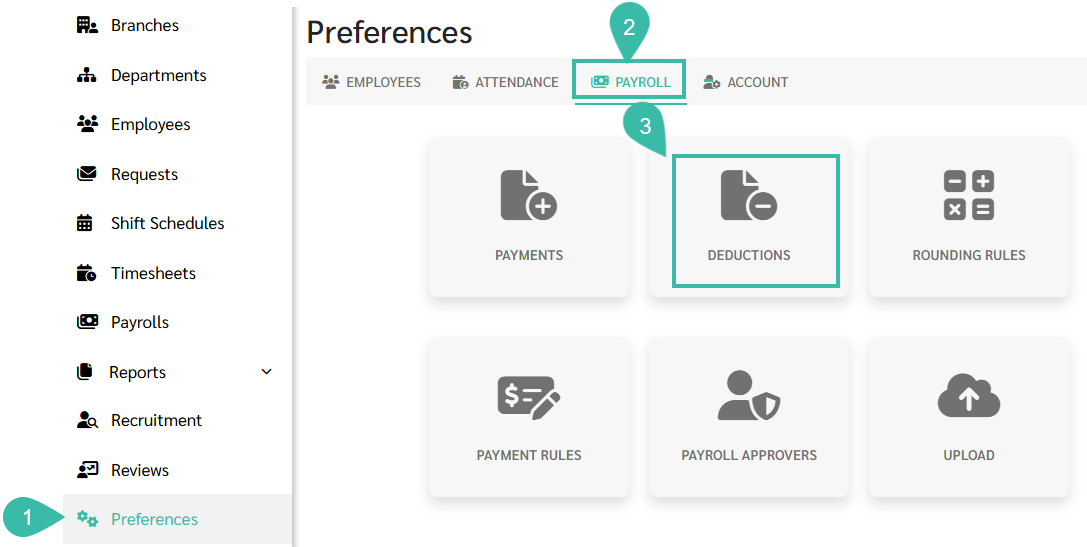
Go to the Preferences tab.
Select Payroll.
Click Deductions.
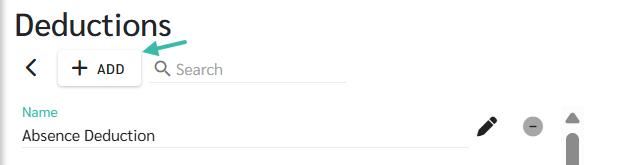
Click Add.
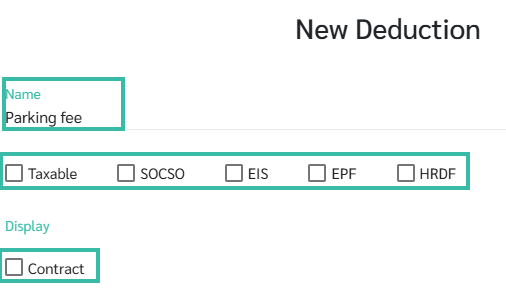
Enter a name for the Deduction type.
The Deduction name must not be the same as the income name.
The deduction name must not contain special characters such as : etc.
Specify the details of the deduction.
Taxable:
Is it deducted from income to calculate taxes?
SOCSO:
Is it deducted from Income to calculate SOCSO?
EIS:
Is it deducted from income to calculate EIS?
EPF
Is it deducted form income to calculate EPF?
HRDF:
Is it deducted from income to calculate HRDF?
Tick the Contact checkbox if you want this deduction type to appear in the Fixed Deduction options in the employee contract.
Select a Branch.
Branches that are not selected will not be able to add or upload this deduction type in the payroll process.
Click Save.