Steps for Adding Timestamp Locations.
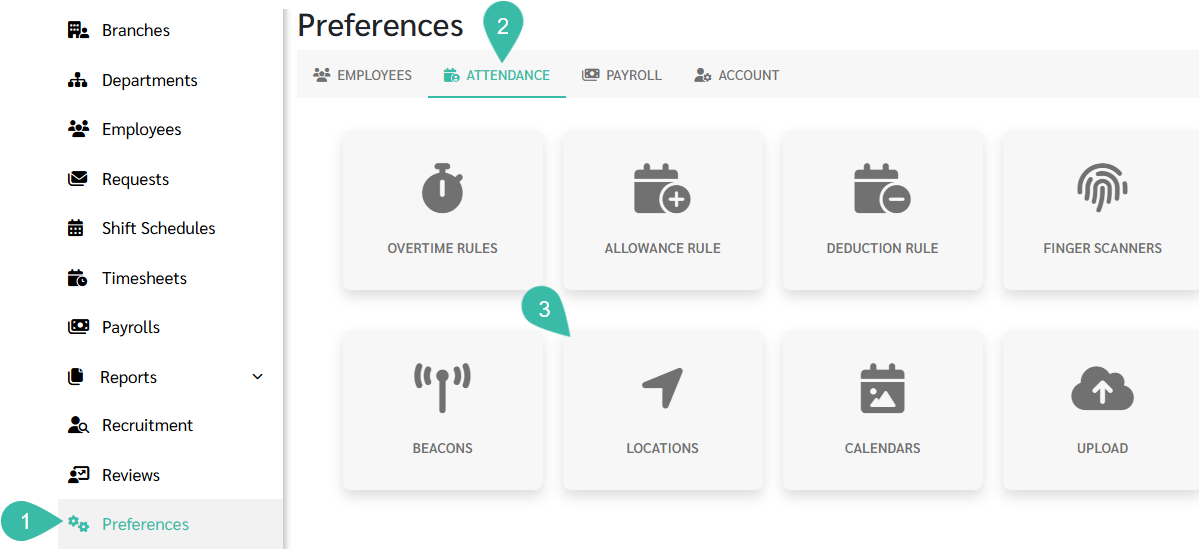
Navigate to the Preferences tab.
Select Attendance.
Click Locations.
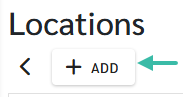
Click the Add button.
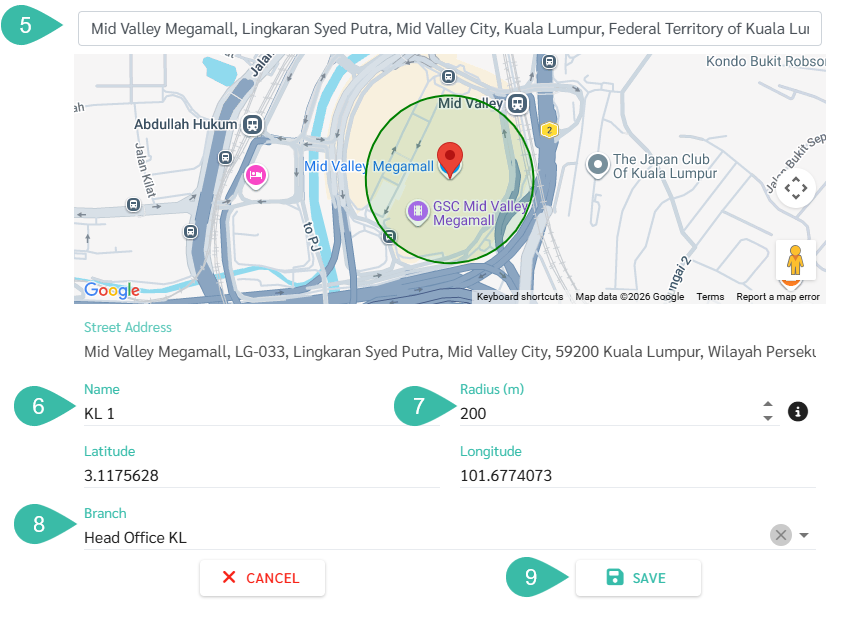
Add a location by searching in the "Search Location" field. The system will find a location, place a pin, and automatically enter the latitude and longitude.
Enter the desired name.
Specify the radius/width; it should not be less than 100-150 meters.
Select the branch where you wish to authorize timestamps for this location.
Click Save.