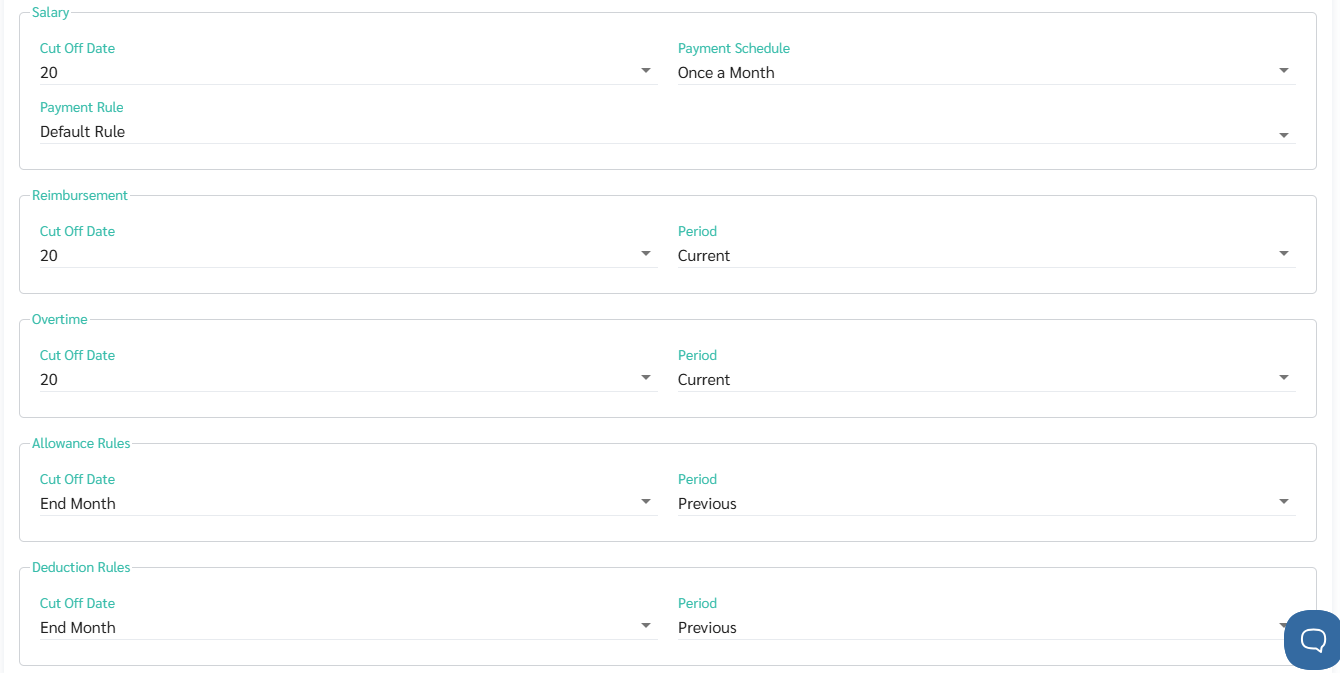
You can set cut-off dates for various Allowance Rules and Deduction Rules by following these steps:
Go to Company / Branch.
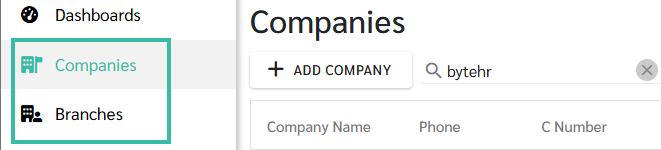
Select Payroll Setting.

Head to Allowance Rules or Deduction Rules.
Select the Period between
Current Period
Previous Period.
Select the Cut-Off Date, e.g., the 1st, 2nd, 3rd, or the end of the month.
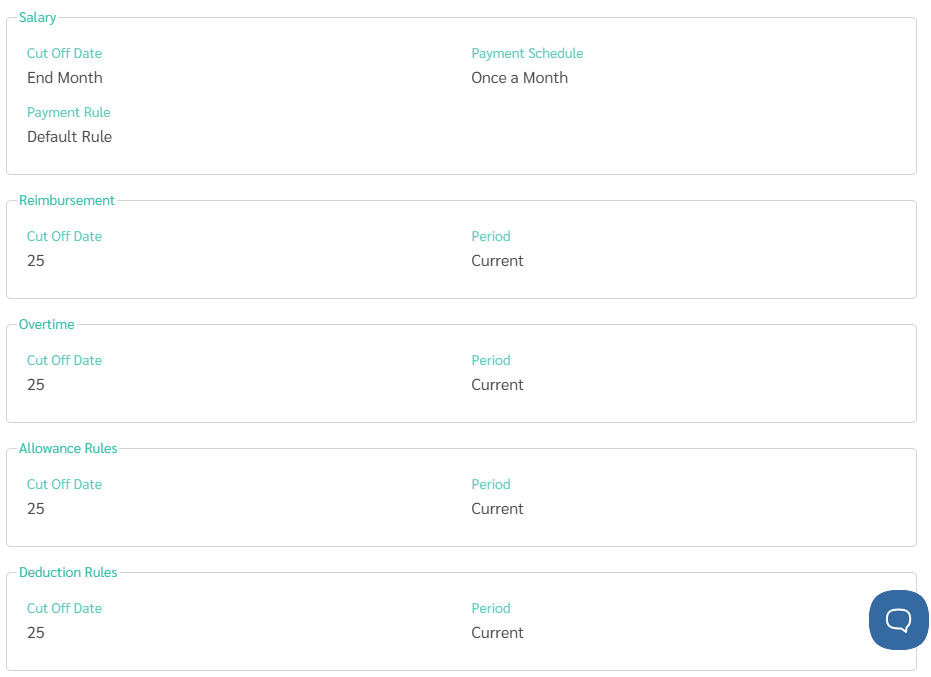
Click Save when finished setting up.
Example:
Salary Cut Off Date = 20,
Payment Schedule = Once a Month
Allowance Rules Cut Off Date = End of Month
Period = Previous
April 2025 Pay calculation: Salary from March 21 - April 20, 2025.
Allowance Pay: From the Timesheet for February 1 - February 28, 2025