
Help Menu
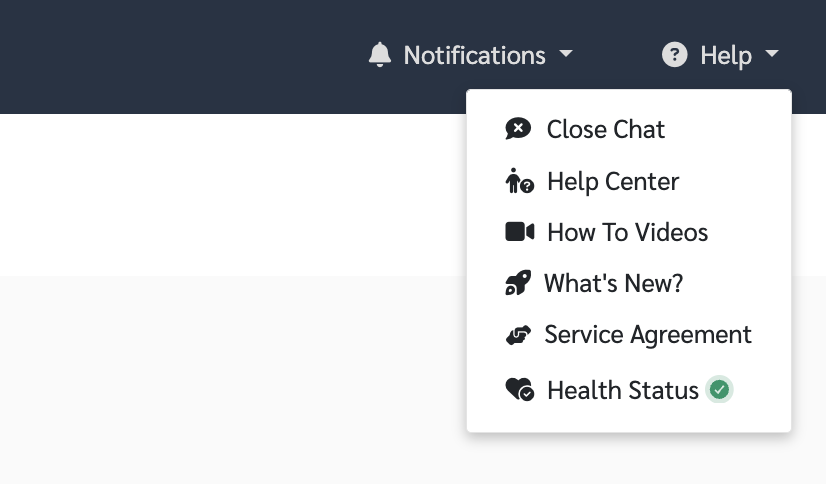
The Help Menu includes the following options
Open Chat / Close Chat
Help Center
How-to Videos
What’s New?
Service Agreement
Health Status
Open Chat
In the chat window, users can get support in two ways
An AI assistant is available to answer basic questions using information from Help Center articles
If further assistance is needed, users can choose to chat directly with a support agent for real-time support
Help Center
Click Help Center to access user guides and articles across various topics
What’s New?
This section provides information about updates and new features in each release
Users can click to view more details in the Release Notes, which include a list of changes, new features, and recent system improvements
How-to Videos
Click How-to Videos to watch tutorial videos on different topics
You can select the topic you want to watch from the menu on the left side of the video
Health Status
Users can check the system status in real time
View the current system availability instantly
Stay informed about system issues or incidents transparently
Reduce confusion when delays or system interruptions occur