
Read KPI Review articles in order
Once all reviewers have completed scoring for all KPIs
The system will automatically change the employee’s review status to Completed
All scores will be locked
The review cannot be re-opened to modify any KPI scores
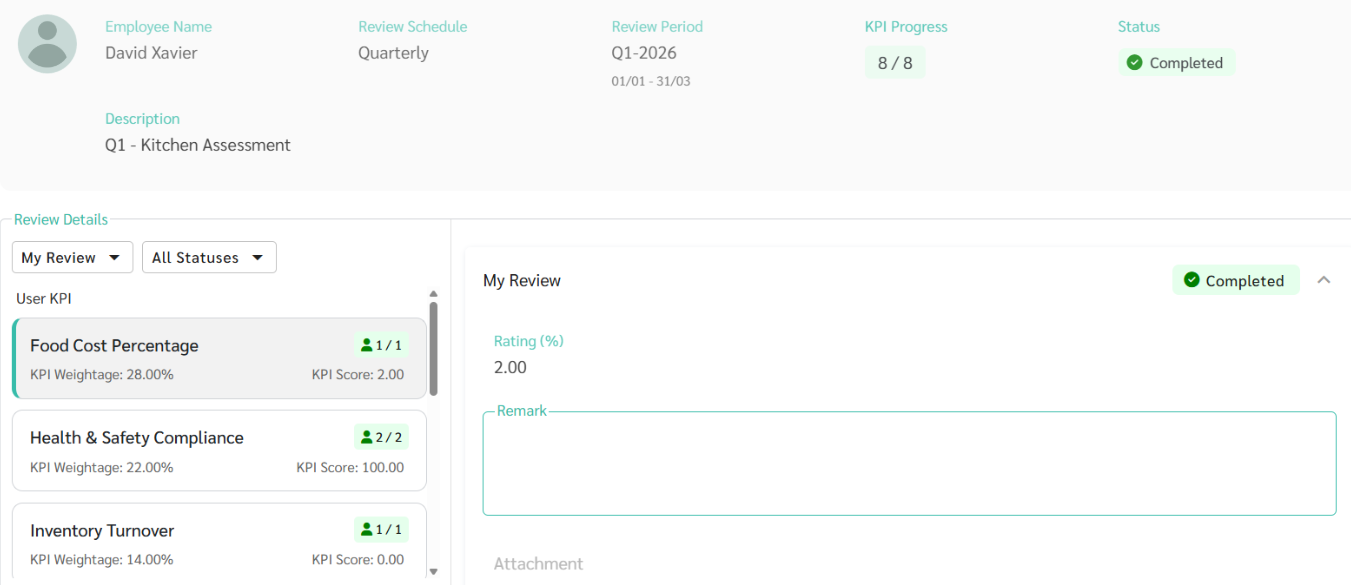
After all scoring is completed, the admin can close the review and notify employees of their KPI results
This step can only be performed when all evaluations are fully completed
The admin can Close Review only when the review status of all employees is Completed
If there is any employee whose review is not yet completed, the system will not allow the review to be closed
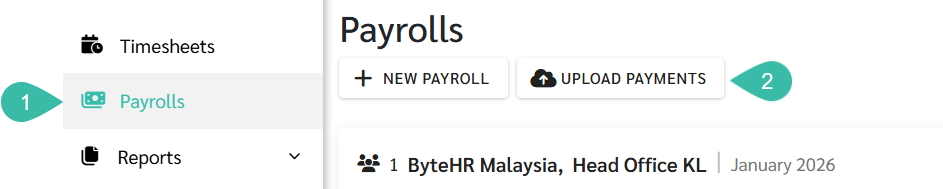
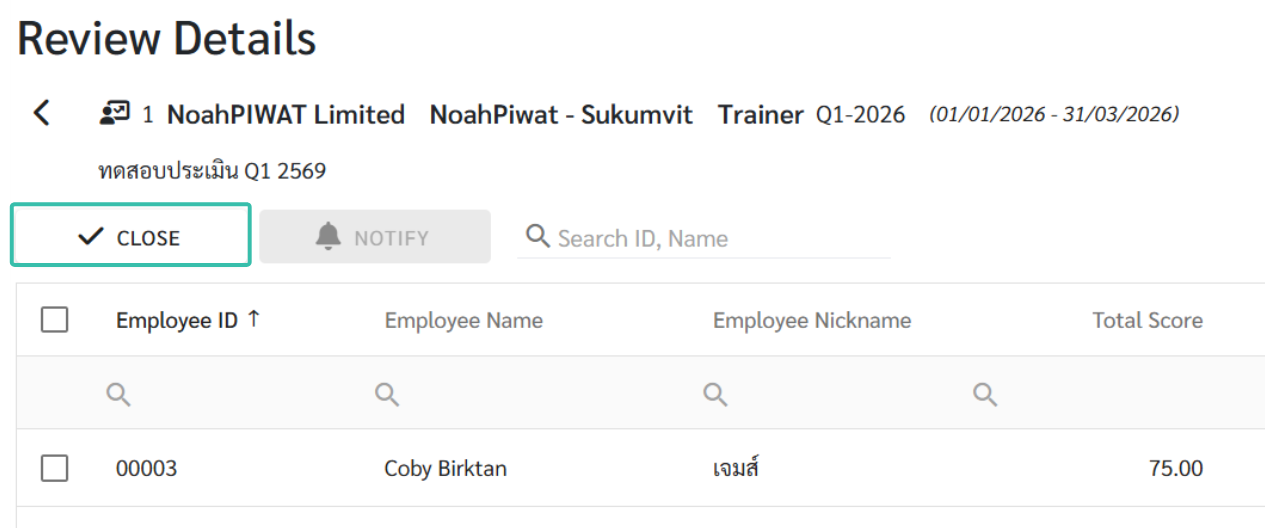
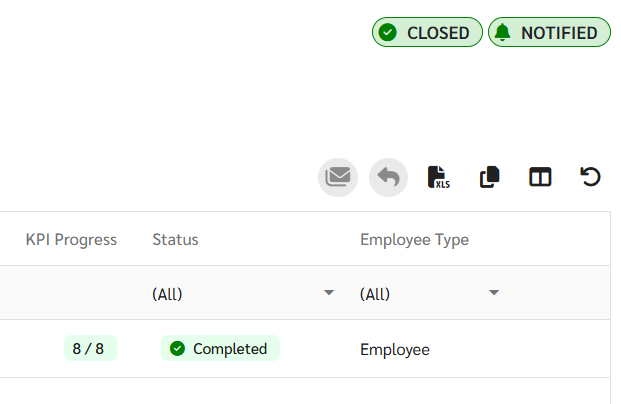
Once the admin closes the review
The review status will change to Closed
All scores and evaluation results will be locked and cannot be edited while the review is in the Closed status
To make changes, the admin must Re-open the review to reopen the same review round
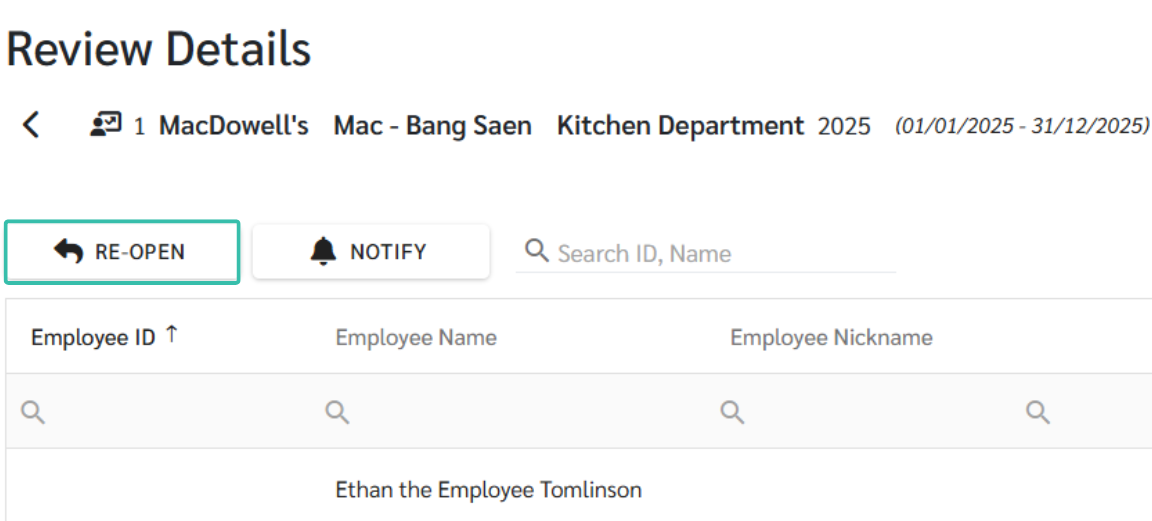
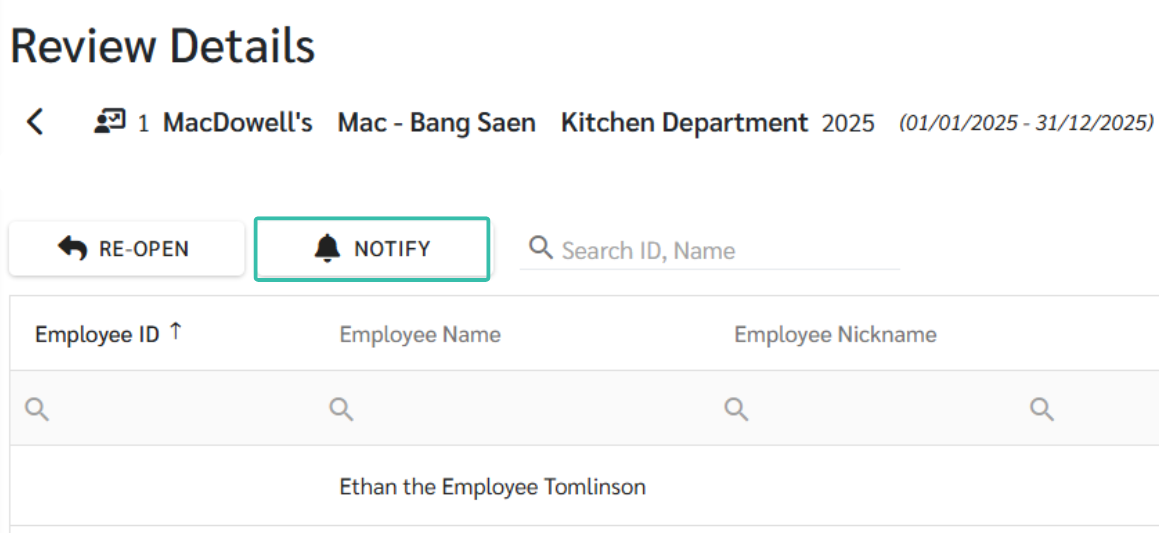
After the review has been successfully closed, the admin can notify employees of their KPI evaluation results
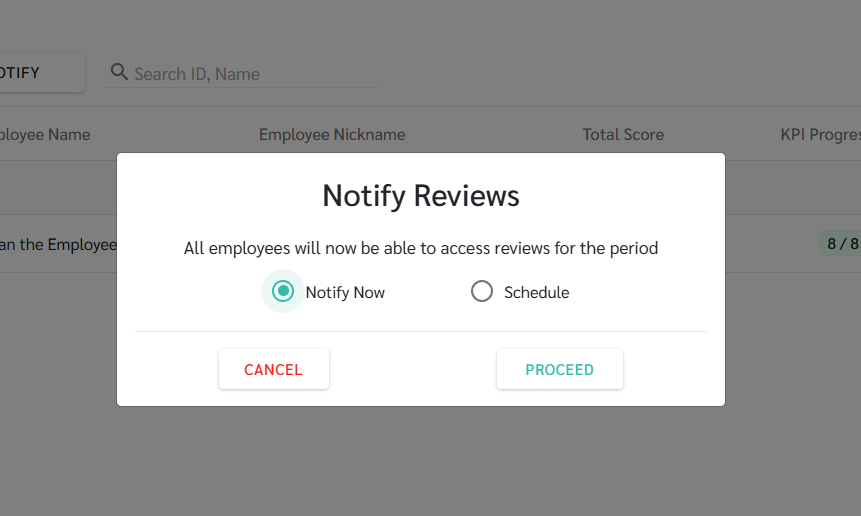
The system supports two notification options
Notify immediately after closing the review
Schedule notification to be sent later, aligned with bonus announcements or internal communications
Review result notifications can be sent only once per review round
Once the results have been notified, the system will not allow the notification to be sent again
The system displays a list of all review results that have been announced by the admin
Employees can select a review from the list to view the evaluation details along with their KPI scores
