
View EA Form
Viewing EA Form via Mobile App, can be done following the below steps:
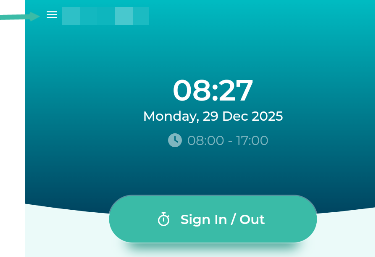
Tap the Menu (the three-line button in the upper left corner of the screen).
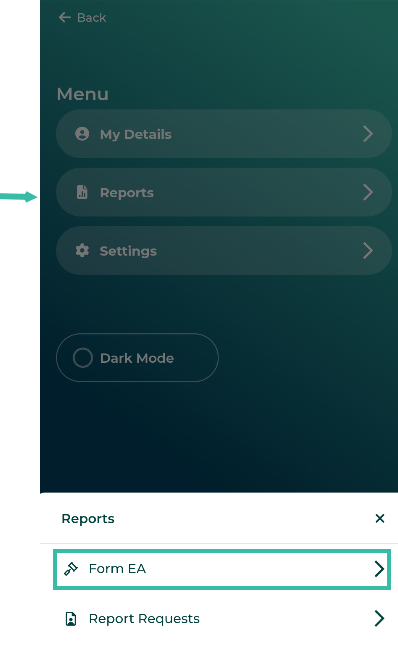
Tap Report.
Select Form EA to view the EA Form.
Viewing EA Form via Mobile App, can be done following the below steps:
Tap the Menu (the three-line button in the upper left corner of the screen).
Tap Report.
Select Form EA to view the EA Form.