
Overtime Dashboard
Employees can view their overtime summary dashboard from the ByteHR mobile application as follows:
Log in to ByteHR mobile app.
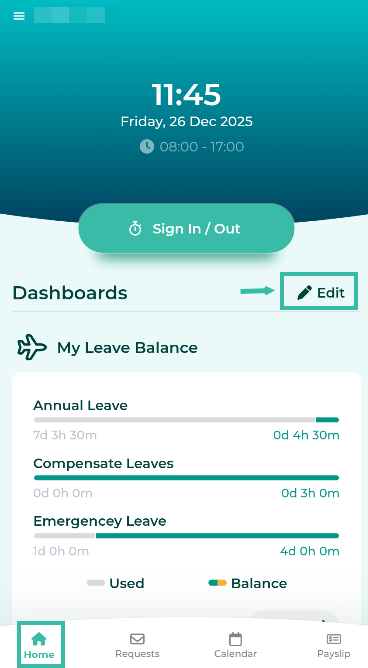
Click the Edit button (gear icon).
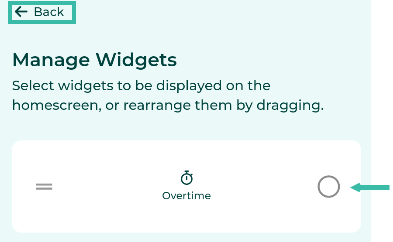
Select Overtime Widgets and click Back.
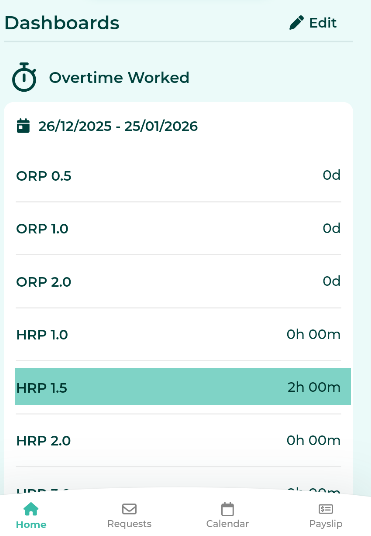
The Overtime Worked dashboard will be displayed on the Home page under Dashboard.
📝 Note
The system displays information based on the Overtime cut off date of the branch to which the employees is assigned.