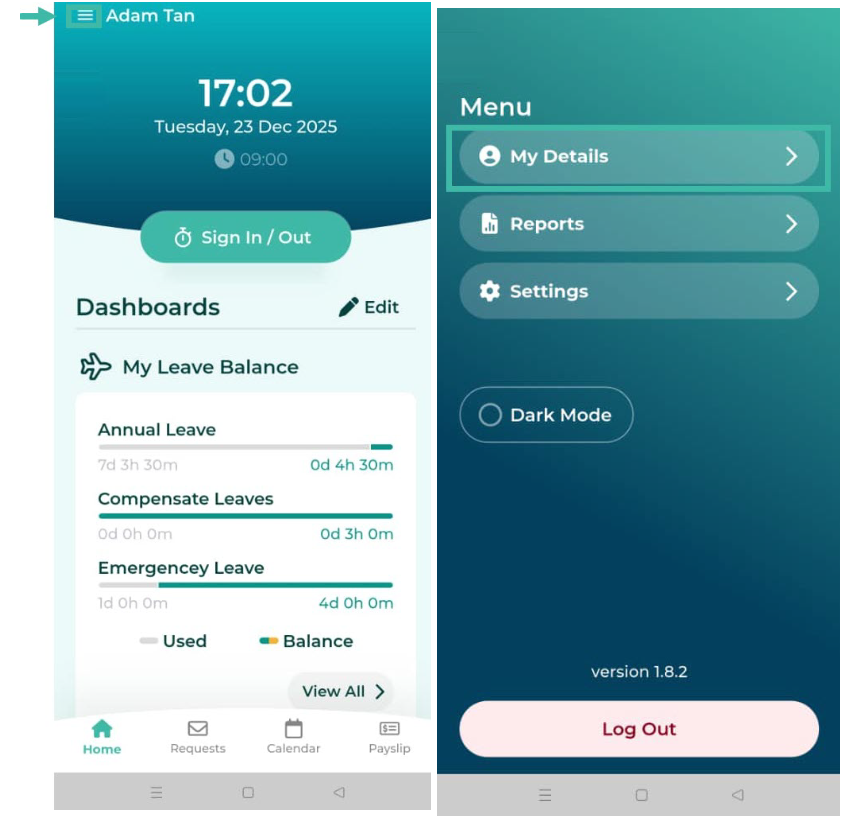
Here's how to view My Details in the Mobile App:
Click the three parallel lines at the top left to open the Menu page, and then click My Details.
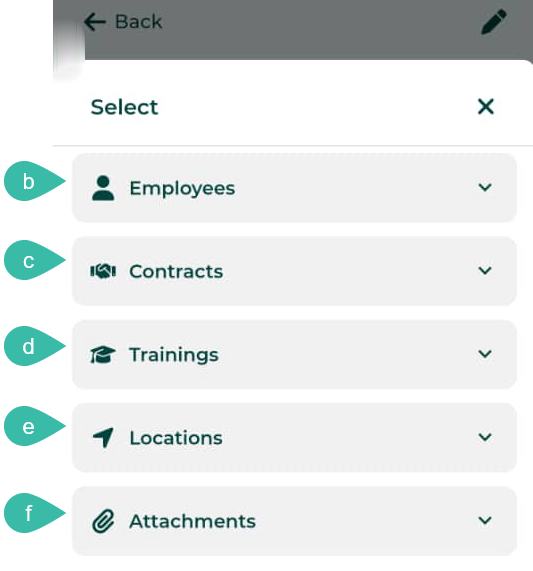
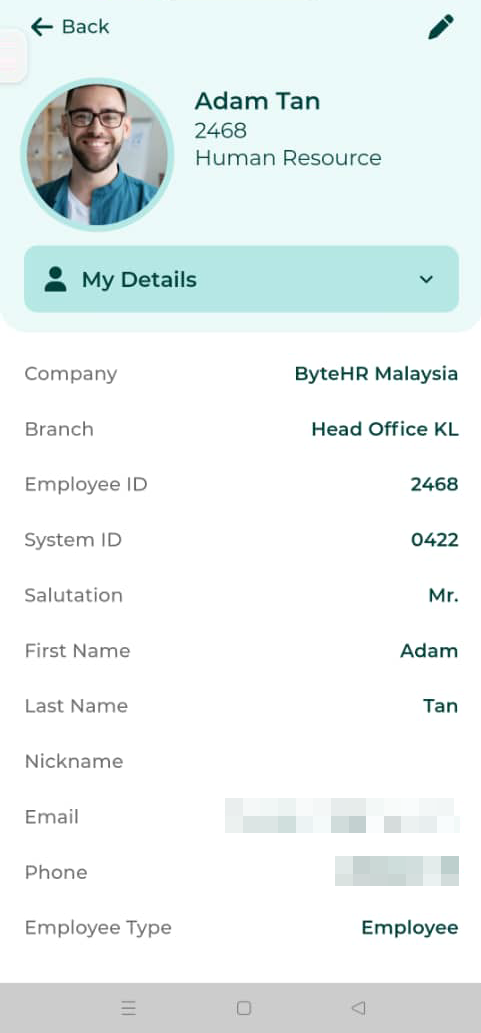
On the My Details page, there are menu tabs that employees can view their details on various topics.
The main menu/ My Details includes
Employee photo
Name and surname
Employee ID and System ID
Position
Department
E-mail
Phone
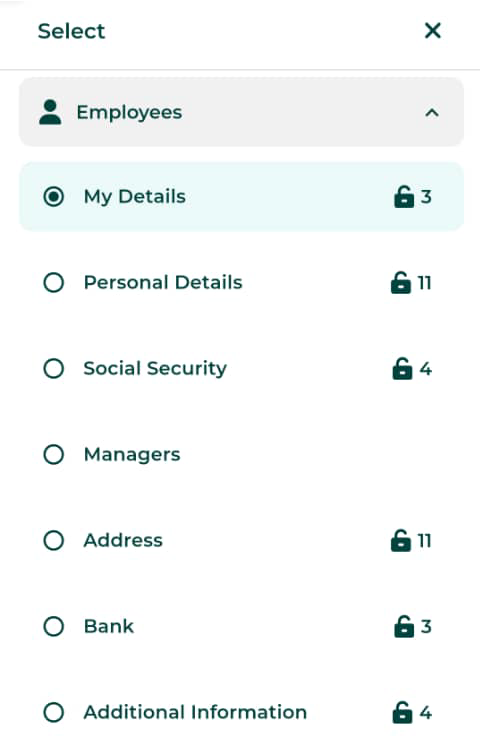
The Employees section includes:
My Details
Personal Details
Social Security
Managers
Address
Bank
Additional Information
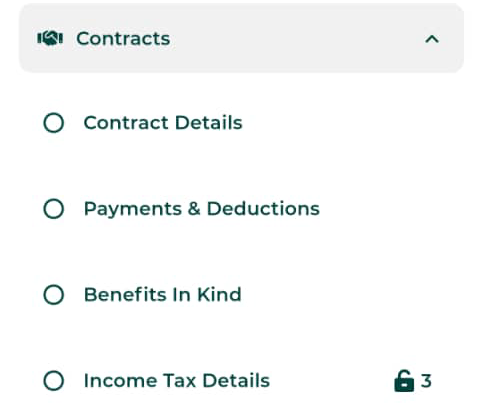
The section of the Contracts include:
Contract details
Payments & Deductions
Benefits in Kind
Income Tax Details
Training/Seminar Section: Display the training/seminar topics for employees.
The "Location" section displays the locations that the employees sign in for work.
The "Attachments" displays all attached documents of the employee.