
How to update an employee’s Previous Employment Details
Navigate to the Employees tab.
Select an employee whose Previous Employment Details you would like to update.
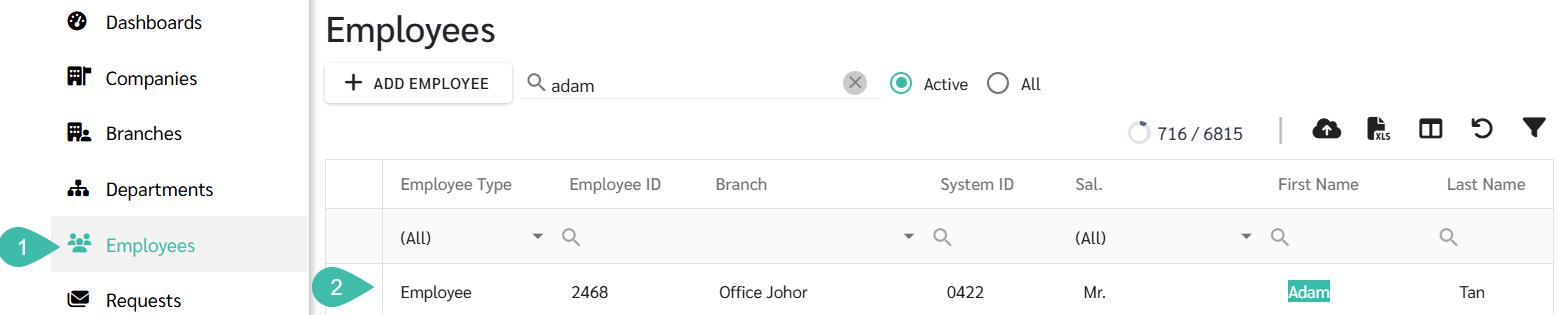
Go to Contracts tab in the Employee Details.
Scroll down to Previous Employment Details (TP3).
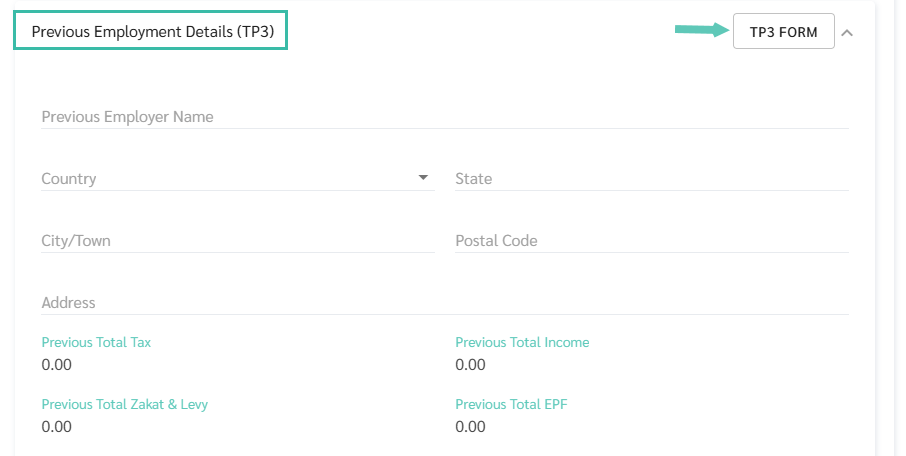
Click TP3 Form to update the information.
The TP3 form is available in Bahasa Melayu and English.
The form contains the following sections:
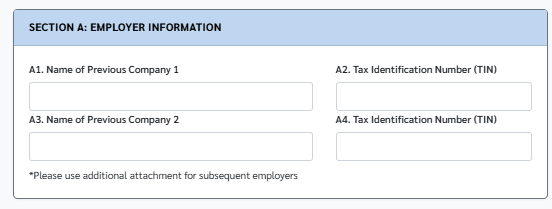
Section A: Employer Information - Enter the Previous employer’s company name and their Tax Identification Number.
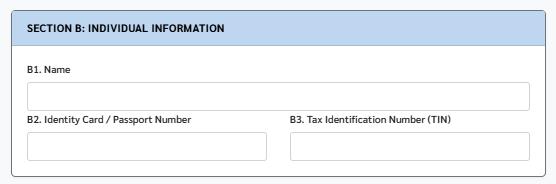
Section B: Individual Information - Enter the employee’s Name, IC number and Tax Identification Number.
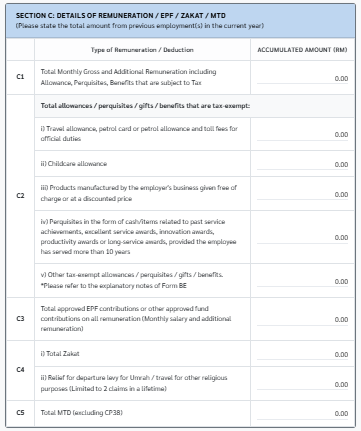
Section C: Details of Remuneration/EPF/Zakat/MTD - Enter the details such as Gross Salary, Additional Remuneration, Perquisites, Gifts, Allowances, Total Approved EPF Contributions, Total Zakat, Relief for Departure Levy for Umrah/ travel for other religious purposes, and Total MTD.
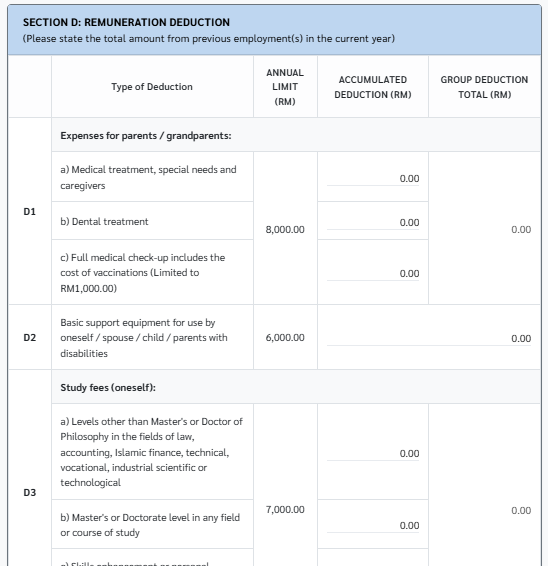
Section D: Remuneration Deduction - Enter the total relief from the previous employment.
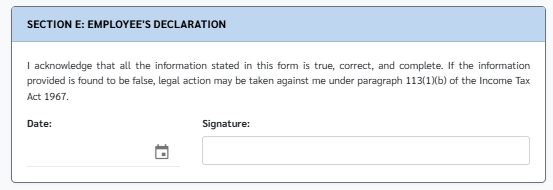
Section E: Employee’s Declaration - Enter the Date and Signature of employee. The employee’s name can be entered in the Signature field.
Click the PDF icon to download the updated TP3 form.

Click Save.