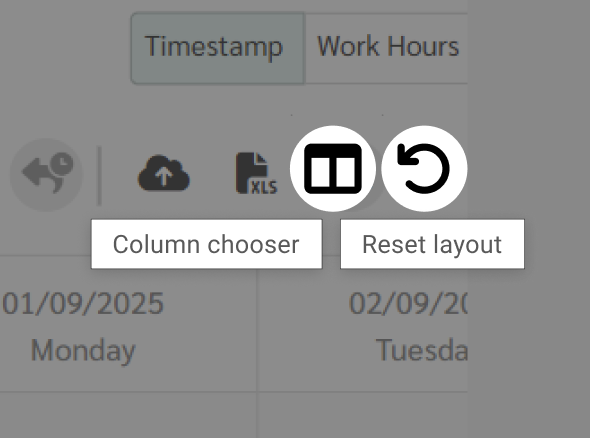
You can select and filter data in the Timesheet Grid by clicking the Column Chooser button.

The Column Chooser allows you to select the columns you want to display in the Timesheet Grid.
The available column categories are as follows:
Employee Details include:
Branch
Department
Employee ID
Name
Nickname
Payment Type
Position
Scan ID
System ID
Additional Information (Employee)
Displays all fields created under Preferences > Employees > Custom Fields > Employee Main.
Additional Information (Contract)
Displays all fields created under Preferences > Contract > Custom Fields > Employee Contract