
Export the payroll history log to Excel to audit who made changes, what was changed, and when, for a specific payroll period.
How to Use
Open the payroll period you want to review
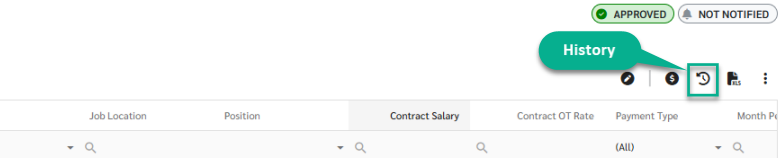
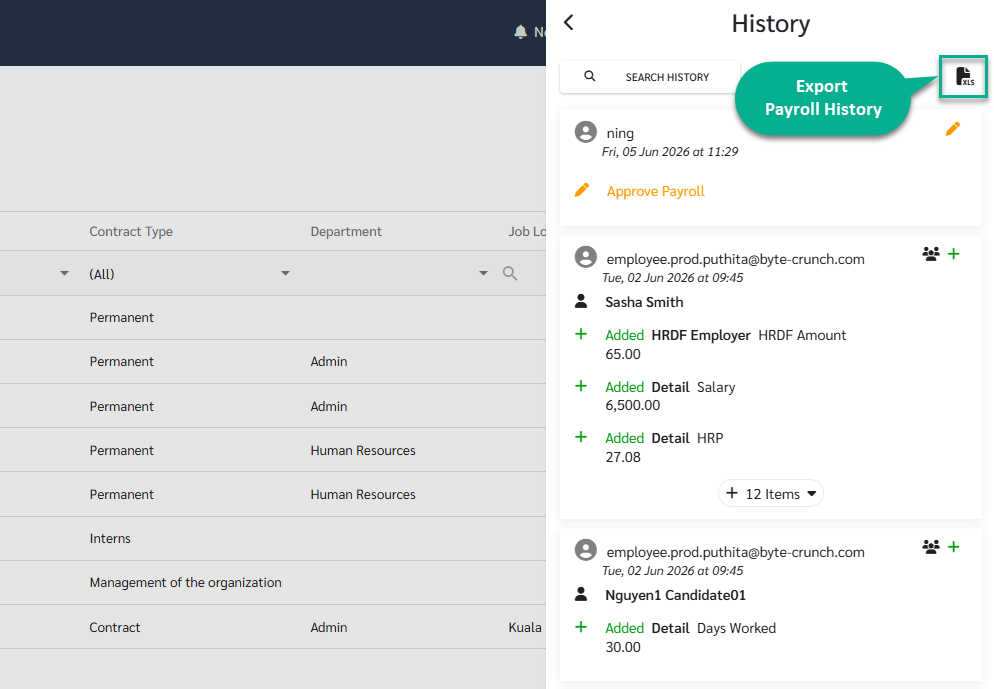
Open the History sidebar
(Optional) Apply filters in the Search section to narrow down the entries you want
Click Export Excel
The file downloads as "Payroll History Report - {{Pay Period}}"
Conditions / Limitations
The export always covers history for the whole payroll box (all entries for that payroll period), not a single employee record in isolation
If filters are applied in the Search section before exporting, only the filtered rows are included in the file
If no filters are applied, the file includes all history entries for the payroll period