
Steps to Generate Payslip Admin View:
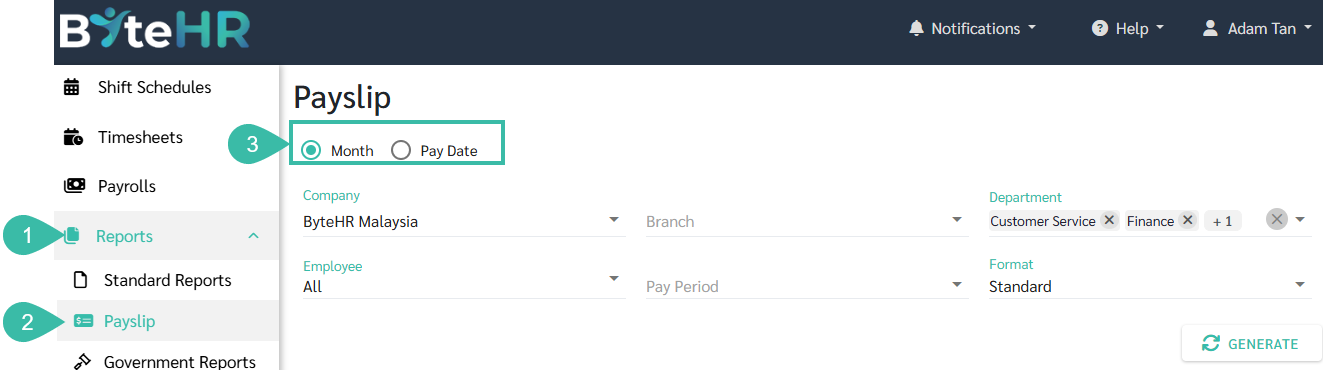
Go to Reports.
Click on Payslip.
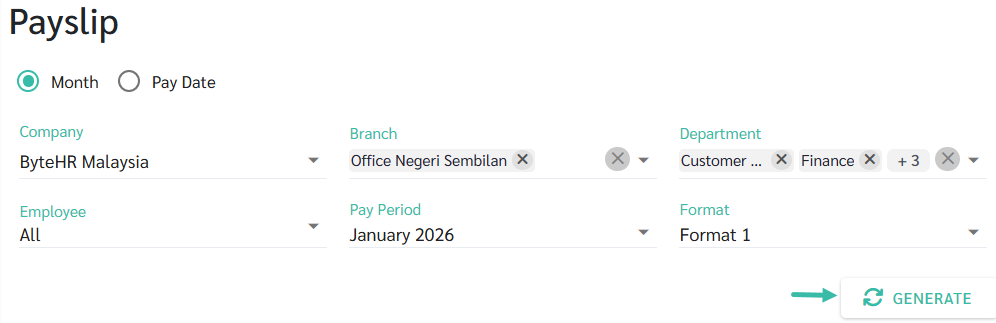
Select how you want to generate the payslip:
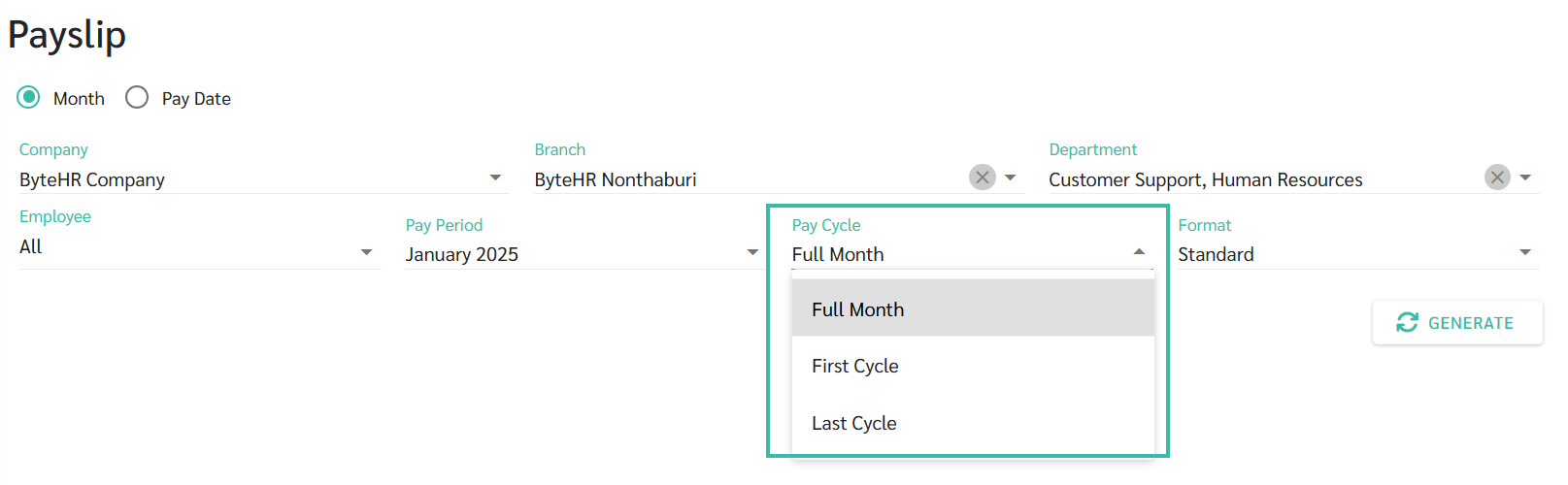
By Month, or
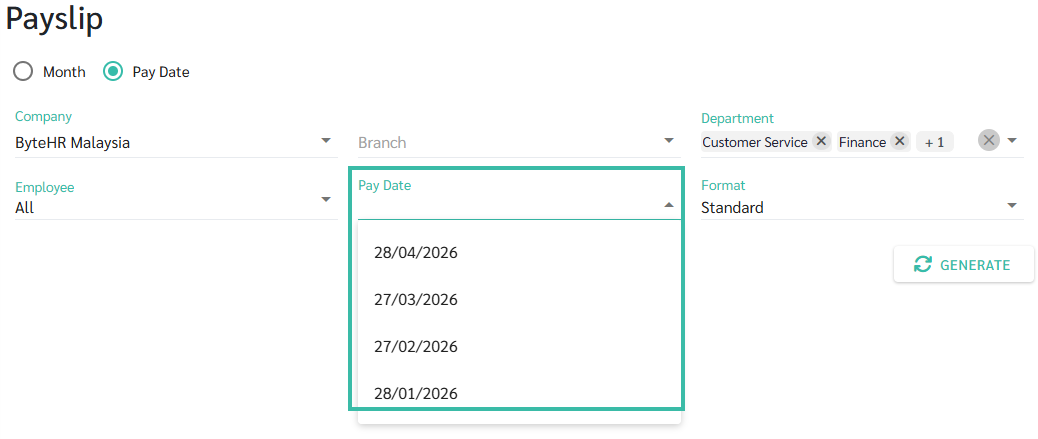
By Pay Date
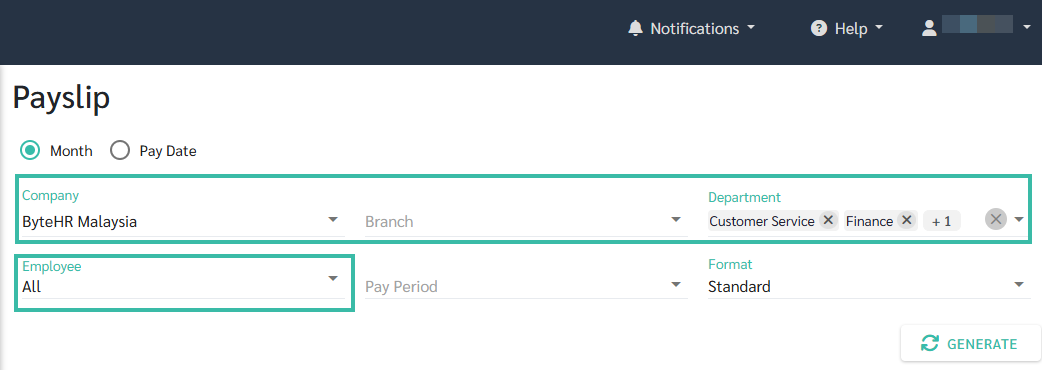
Select Company, Branch, Department, or Employee.
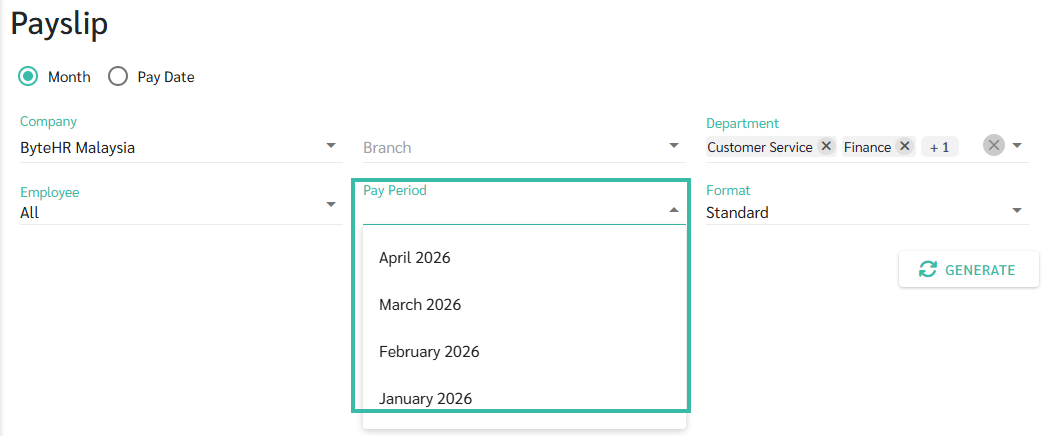
If generating by Month, select the Pay Period.
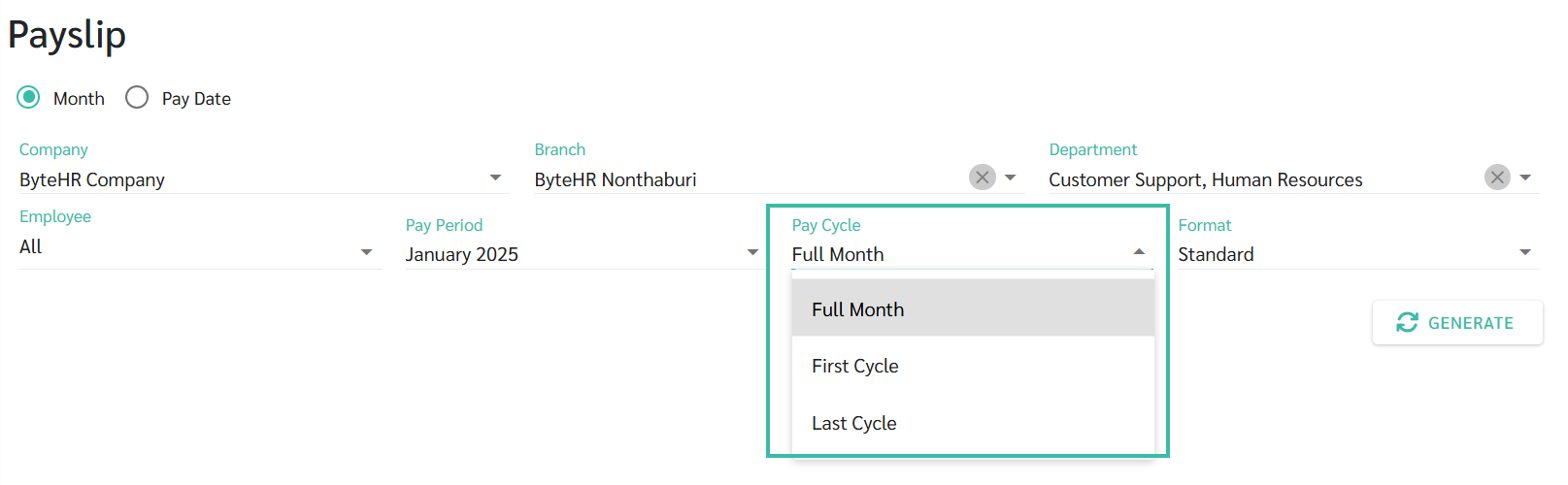
If there are multiple payroll runs within the same month, select the appropriate Pay Cycle.
If generating by Pay Date, select the Pay Date.
Choose the desired Payslip Format.
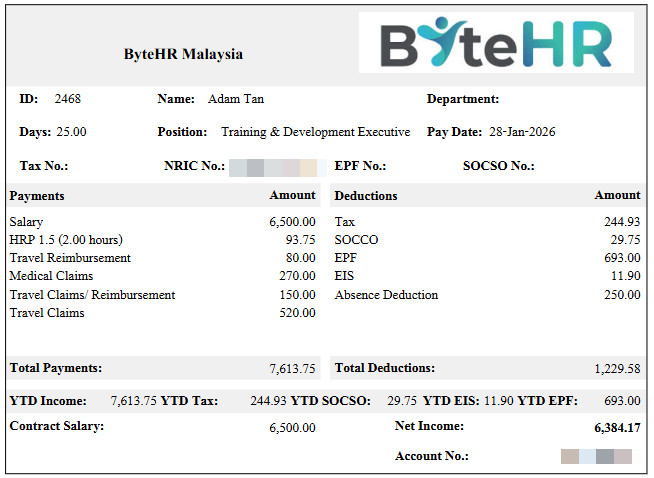
Standard
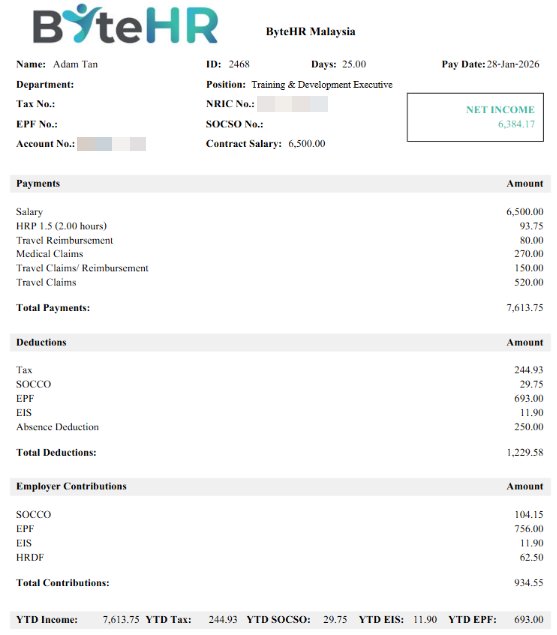
Format 1
Click Generate.
You may download, save as PDF, or print the Payslip.
For more information on Employee Payslip Settings, please see LEARN MORE.