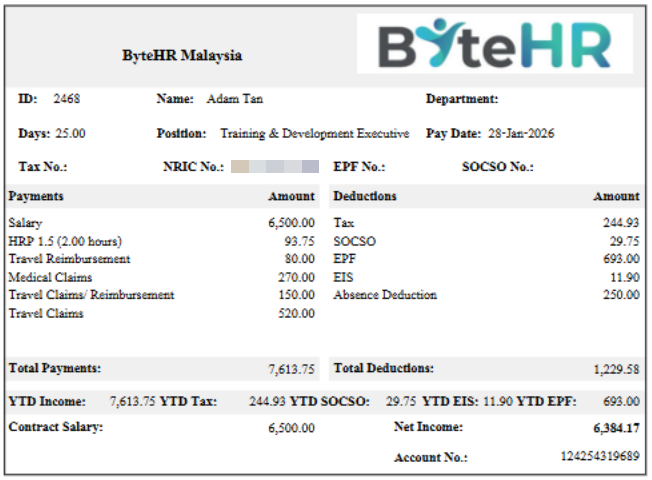
Steps to Generate Payslip (Employee View) :
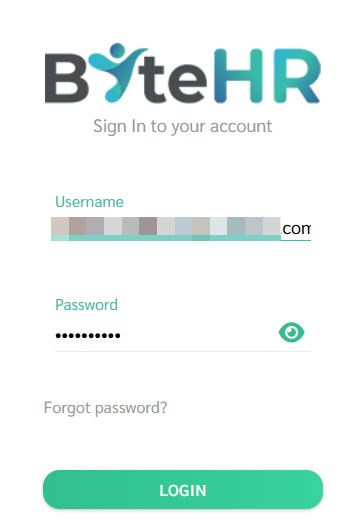
Log in to the web app via app.byte-hr.com using browser on your computer or other device.
Enter your username and password to access the system.
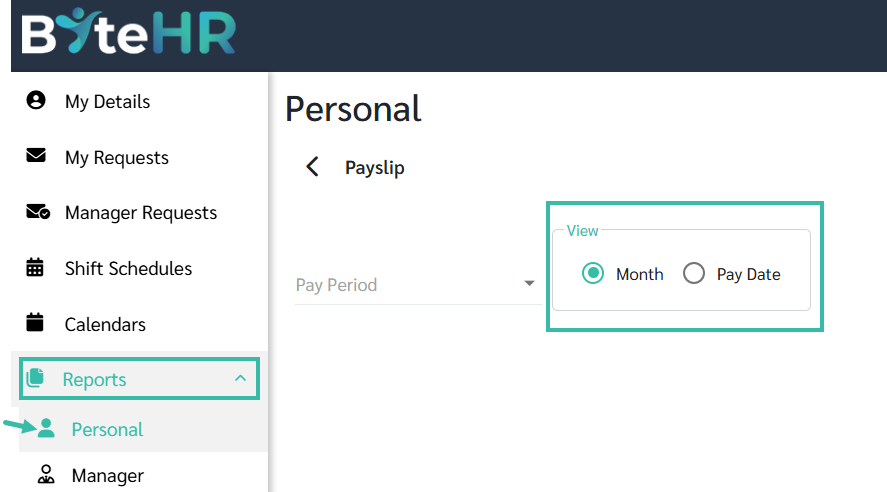
Go to Reports -> Personal -> Payslip.
Select how you would like to view your payslips:
By Month, or
By Pay Date
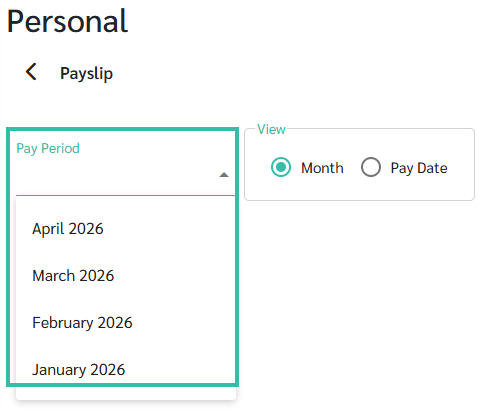
Select the desired Pay Period or Pay Date.
6. The payslip will be displayed.
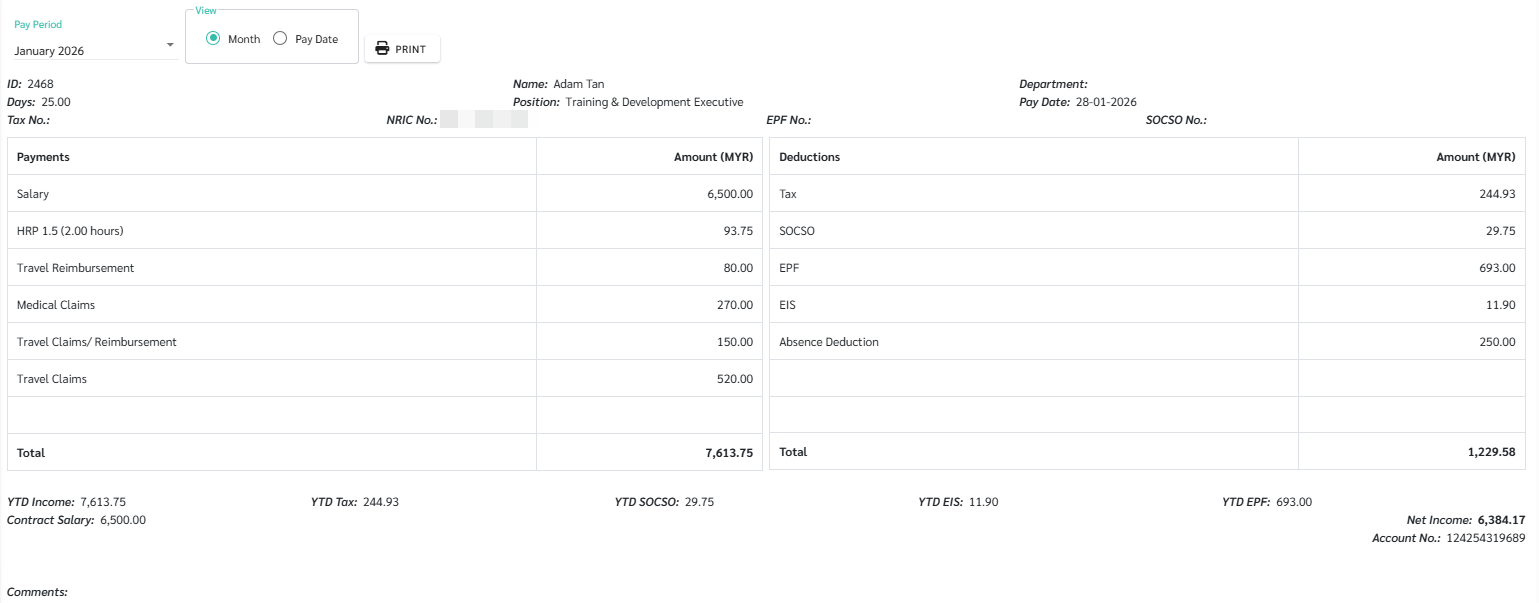
7. Click Print to download the payslip as a PDF File.