
Steps to Create a Vacancy Link
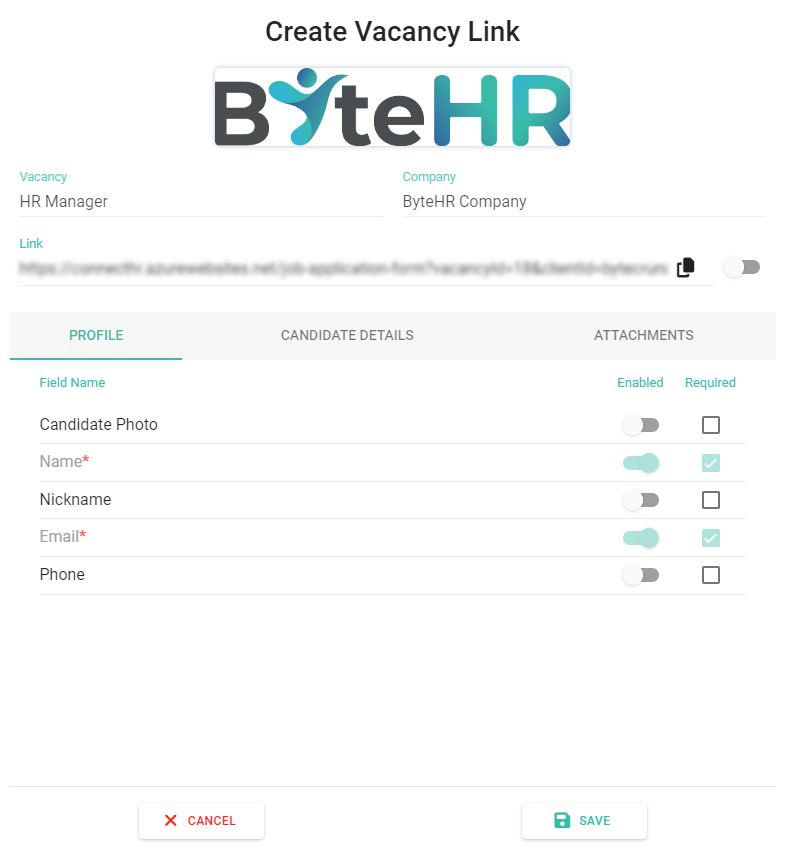
Create Vacancy Link
Go to Recruitment → Vacancies
Click the link icon on a vacancy

Configure the application form:
Enable visible fields
Set required fields
Toggle Link to activate → Click Copy to share → Click Save
What Happens Next
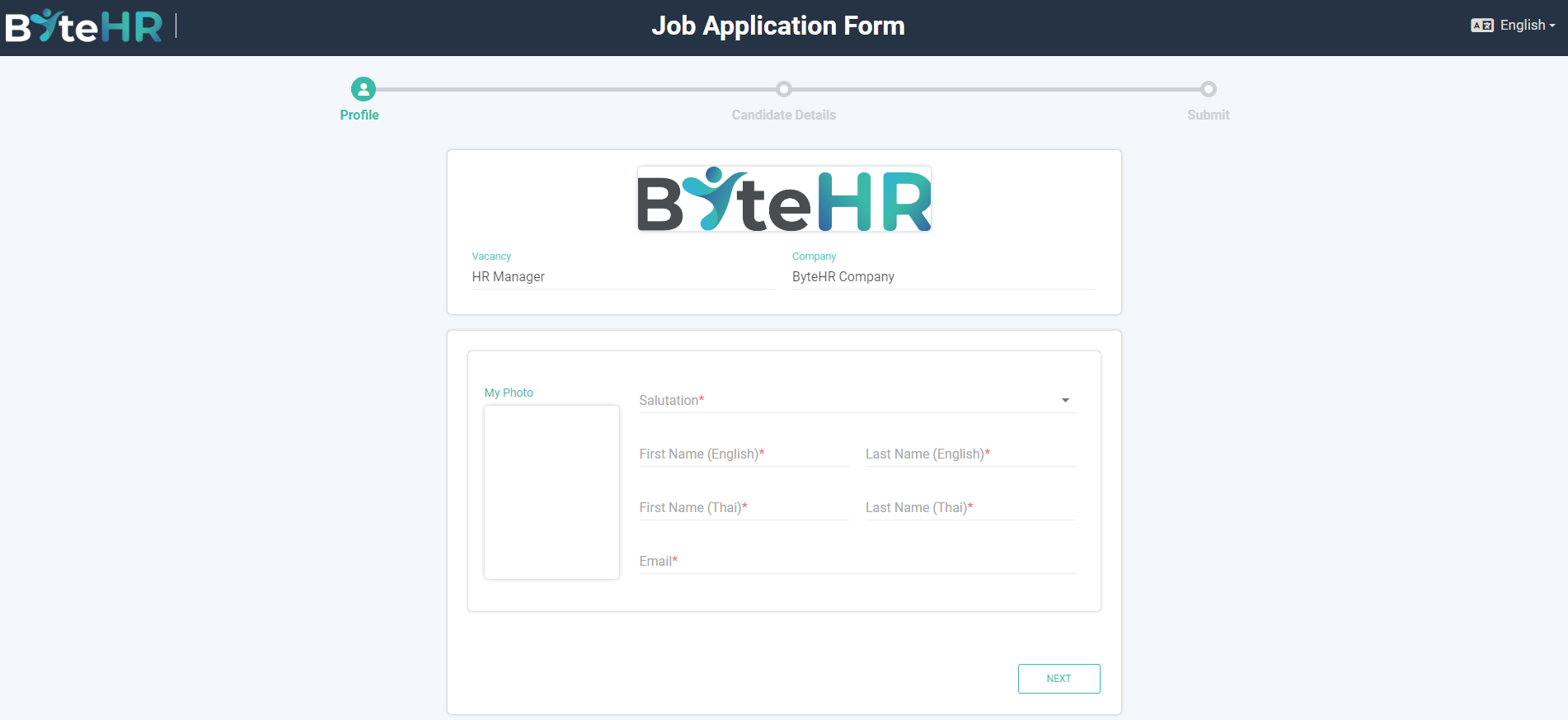
Candidates access the link → fill in the form → upload CV
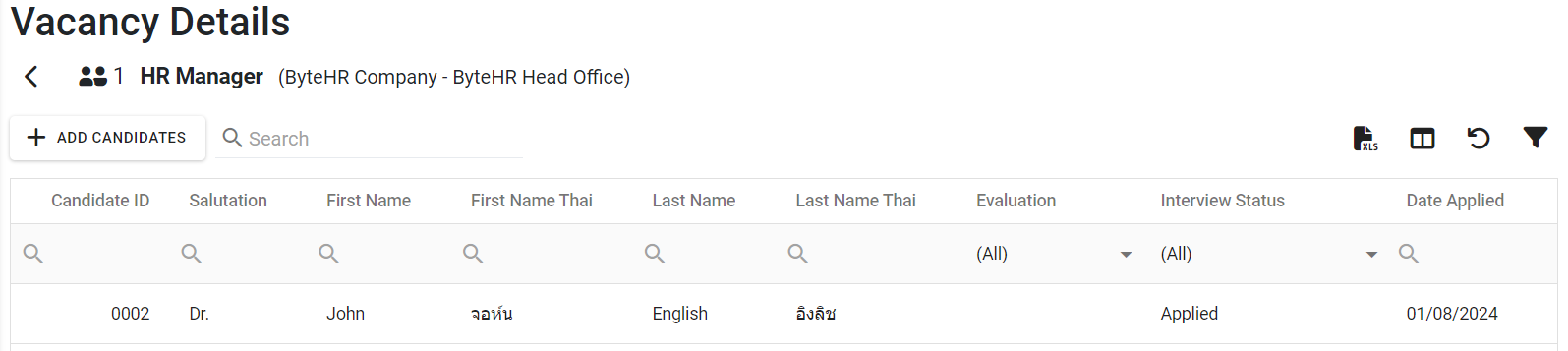
The system creates a candidate profile and links it to the vacancy
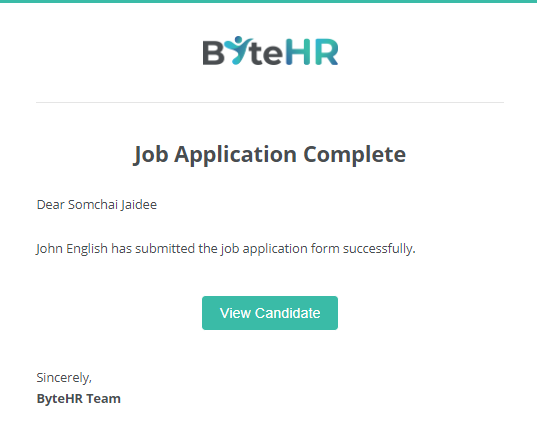
The Owner receives a notification email
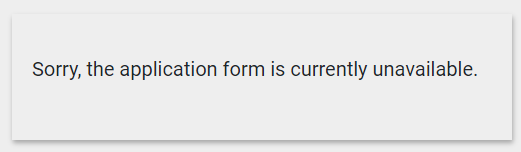
FYI: Link is automatically disabled when the vacancy is Closed
Note 📝
The system detects duplicate candidates using their email address
Once a candidate submits an application, they cannot reapply unless their status is Rejected
If a candidate reapplies successfully, the new data will overwrite the previous application
Blacklisted candidates are not allowed to reapply